How to Launch an Ecommerce Store Using Cartxis
Cartxis Team
Mar 6, 2026 • 5 min read
Introduction
Starting an ecommerce store requires the right platform that can manage products, payments, and orders efficiently. Many businesses struggle with platforms that are either too complex or too restrictive.
Cartxis provides a structured ecommerce system that helps businesses launch and manage online stores with flexibility and control.
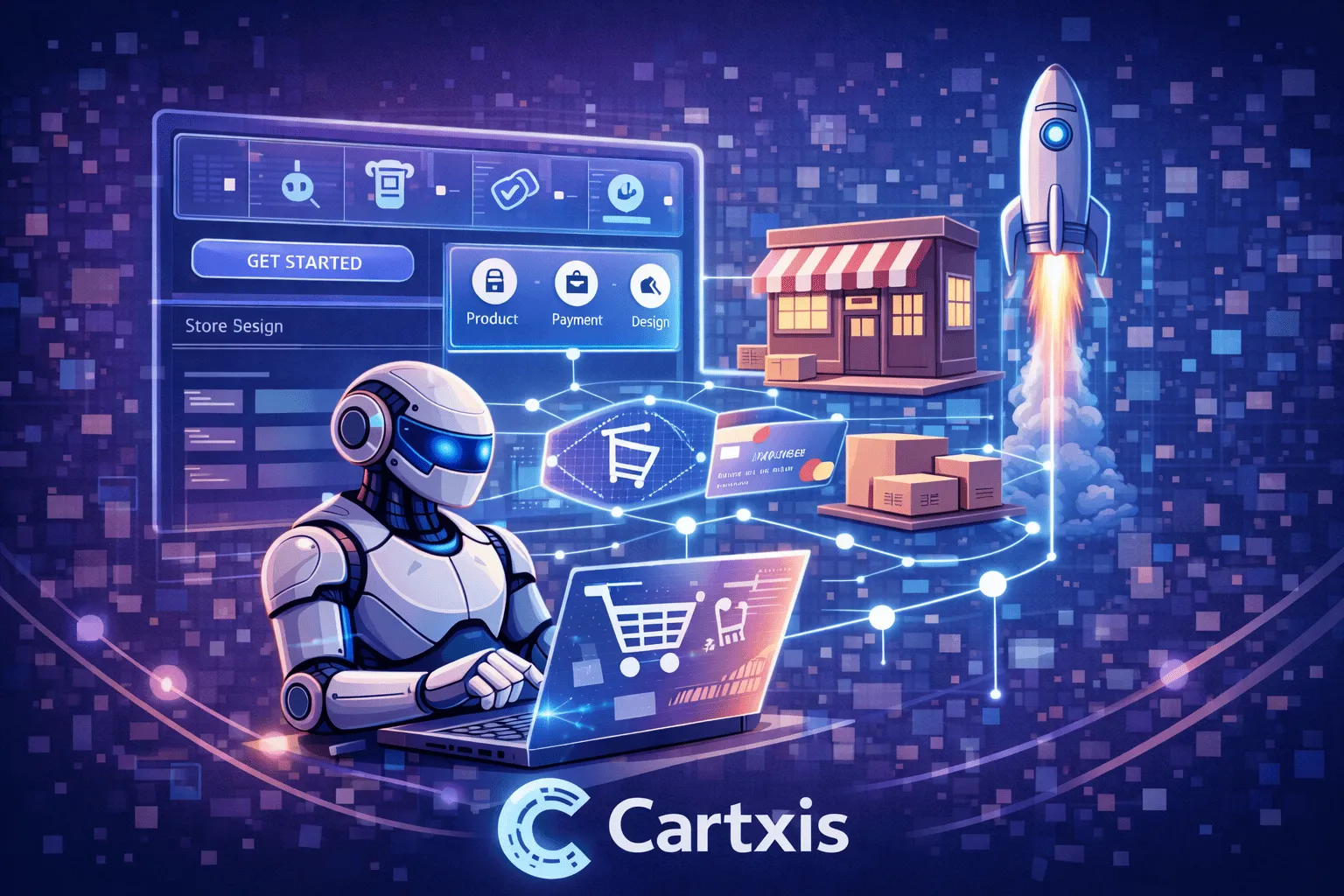
Step 1: Install Cartxis
The first step is installing Cartxis on your server.
Since Cartxis is an open source ecommerce platform, you can host it on your preferred infrastructure. Once installed, you gain full control over your ecommerce environment.
After installation, the admin panel becomes accessible for managing store operations.
Step 2: Configure Store Settings
Before adding products, basic store settings should be configured.
These settings usually include:
Store name and branding
Currency configuration
Payment gateway setup
Basic store preferences
Proper configuration ensures smooth operation from the beginning.
Step 3: Add Product Categories
Organizing products into categories makes navigation easier for customers.
Cartxis allows store owners to create and manage product categories to structure the catalog effectively. Clear categorization improves both user experience and product discovery.
Step 4: Add Products
After categories are created, products can be added to the store.
Cartxis allows you to:
Create product listings
Add product descriptions
Set pricing
Upload images
Manage inventory
This forms the core catalog of your ecommerce store.
Step 5: Configure Payment Gateways
A functional ecommerce store must allow customers to complete transactions securely.
Cartxis supports multiple payment gateways, enabling businesses to offer flexible payment options to customers.
Proper payment configuration ensures a smooth checkout experience.
Step 6: Start Accepting Orders
Once products and payment systems are configured, the store is ready to accept orders.
Cartxis provides an admin dashboard where store owners can monitor orders, track transactions, and manage the fulfillment process.
This helps maintain operational clarity and customer satisfaction.
Benefits of Launching with Cartxis
Using Cartxis for your ecommerce store provides several advantages:
Open source flexibility
Structured product management
Multiple payment gateway support
Organized order management
Full control over the platform
These capabilities make it suitable for businesses looking for long-term control and scalability.
Conclusion
Launching an ecommerce store requires a platform that is both flexible and reliable. Cartxis provides the tools needed to manage products, payments, and orders in a structured way.
For businesses seeking an open source ecommerce solution with control and flexibility, Cartxis offers a strong foundation for building an online store.